Restore recipes on a new phone
If you restore your iPhone or iPad, or get a new device, in some cases your recipes won't automatically make their way across. Which method you use to get your recipes back depends on whether you have Pestle Pro, and when you first started using Pestle.
If you started using Pestle before mid-2023:
Starting in mid-2023, Pestle stopped requiring users to create accounts. Instead, when you launched Pestle for the first time, it would automatically create an account in the background, which would sync with all of your devices using iCloud.
However, if you restore your device or get a new one and launch Pestle, Pestle will create a new account for you.
To fix this, head to Settings > Account
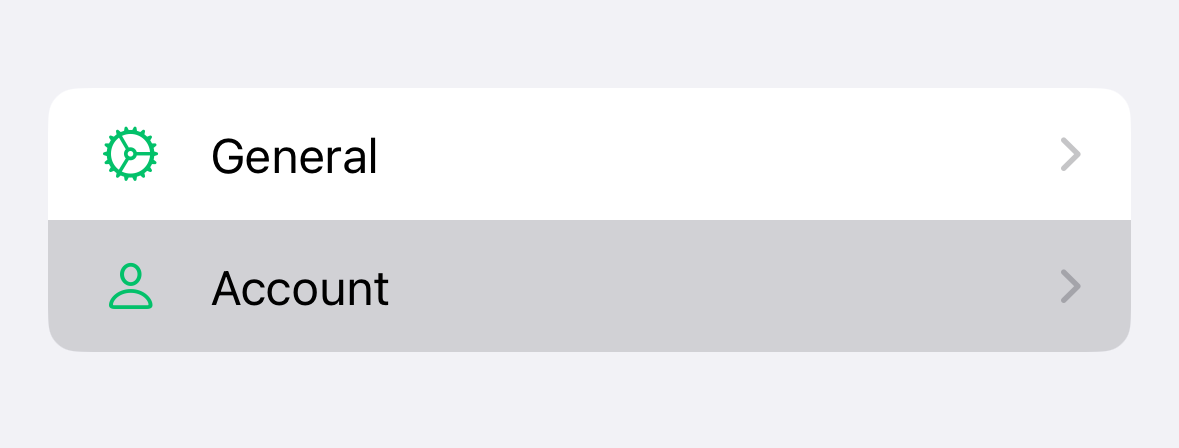
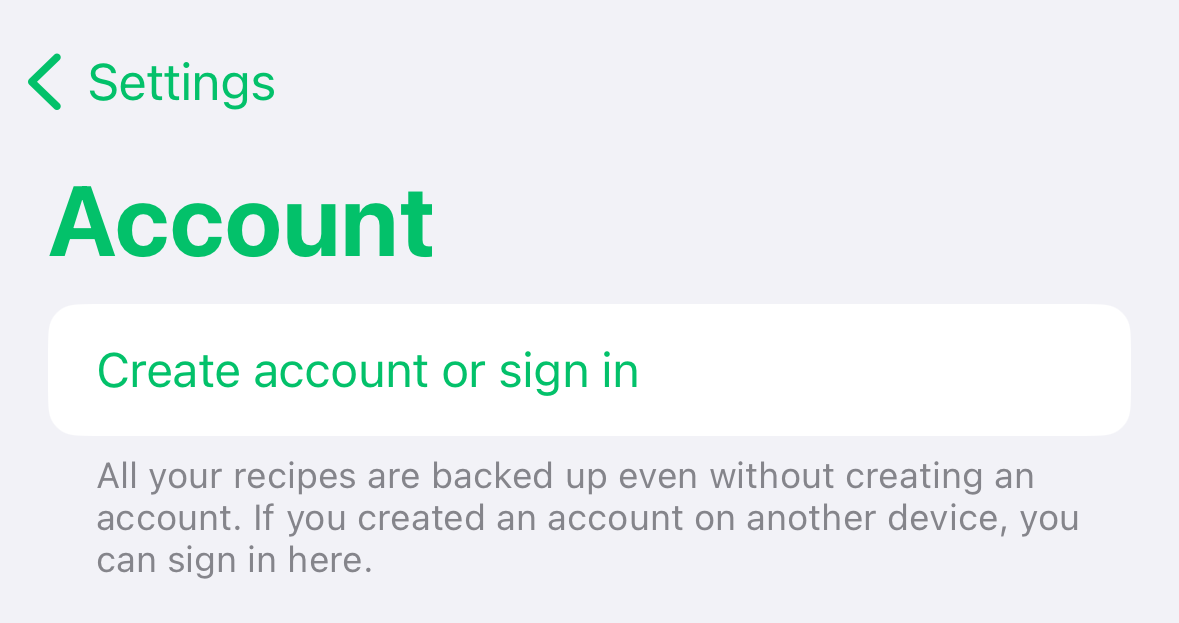
Then tap 'Create account or sign in'.
Make sure you use the same login method as you used when you first installed Pestle. If you can not remember whether you used Sign in with Apple, Google Sign In, or an email & password, you'll need to contact support for further assistance.
If you don't have Pestle Pro, Pestle treats this new device separate from your old and won't show your recipes as cross-device sync is a Pestle Pro feature. But if you're not using your other device anymore, we'll migrate things across.
- Save a new recipe, tap the share button and copy the link.
- Go to Settings > Account > Copy Support ID
- Contact Pestle Support and paste in your Support ID, along with the link to the saved recipe.
- We’ll sort the rest!
If you started using Pestle after mid-2023
No need to worry! Your recipes are safely backed up. Getting them all back is simple:
- Save a new recipe, tap the share button and copy the link.
- Go to Settings > Account > Copy Support ID
- Contact Pestle Support and paste in your Support ID, along with the link to the saved recipe.
- We’ll sort the rest!